
Bookings
Sell your time, not just your stock.
Salons, studios, tutors, clinics and event spaces: set up your services and staff, and let customers book a slot from your store.
Service menu
Build your service menu.
Price, duration and category for every service, plus add-ons customers can tack on. Choose which services can be booked straight away and which come through as an enquiry first.
- Prices and durations
- Categories
- Add-ons
- Book now or enquire
Staff calendars
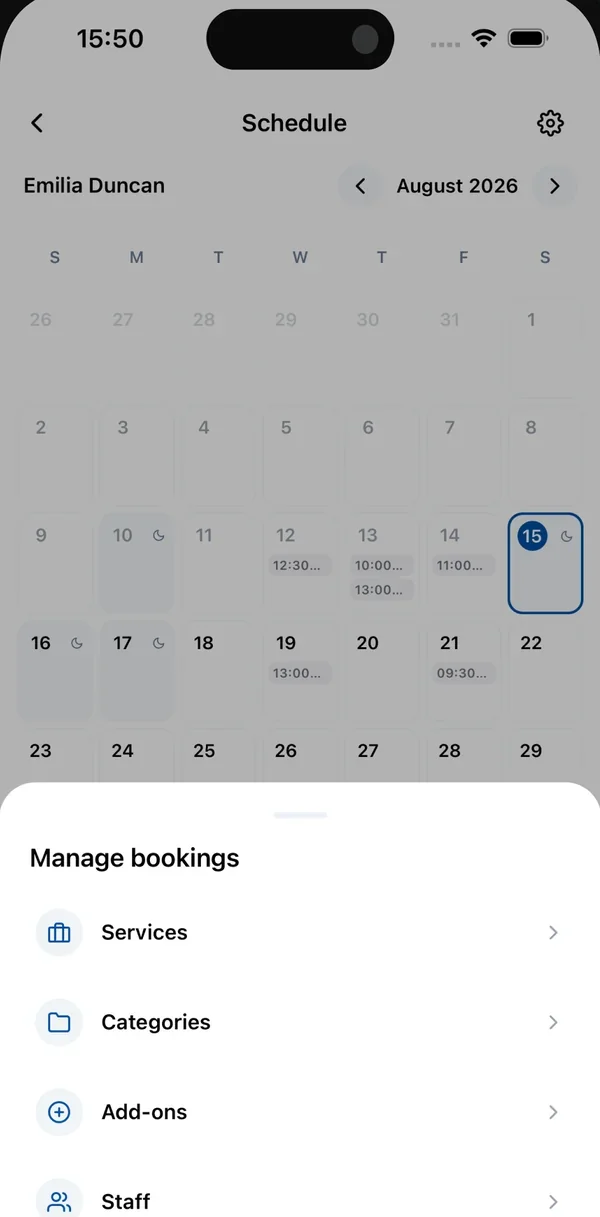
Every staff member gets a calendar.
Assign each person the services they deliver, set their weekly hours and block off days they're out. If two customers go for the same slot with the same person, only the first one gets it.
- Weekly working hours
- Days off
- No double bookings
- Walk-ins added by hand
From booking to WhatsApp
Bookings land in your chat.
A customer picks a service, a staff member and a time, and goes straight to your WhatsApp to sort out payment. You're alerted the moment a booking comes in, and a recorded deposit becomes a proper order and payment.
Also included
The details that make it work.
Calendar view
See who's free and when across your whole team.
Per store
Each store gets its own services, staff and schedule.
Walk-ins
Add an appointment yourself from the dashboard or the app.
Deposits
Record a deposit when it's paid; it becomes an order and a payment.
Verified customers
Customers confirm their email when they book, so details are real.
Staff and add-ons
Match services to the people who deliver them, with optional extras.
Questions
Good to know.
Do customers pay when they book?
Not online yet. Customers sort out payment with you on WhatsApp, and you record the deposit or payment when it lands.
Can I run more than one location?
Yes. Bookings are set up per store, so each location can have its own services, staff and schedule.
Which plan do I need?
Bookings is included from the Starter plan up.
Start selling in minutes.
Add your products, connect Paystack and share your store link on WhatsApp.
14 days free. No card required.